Save My Data
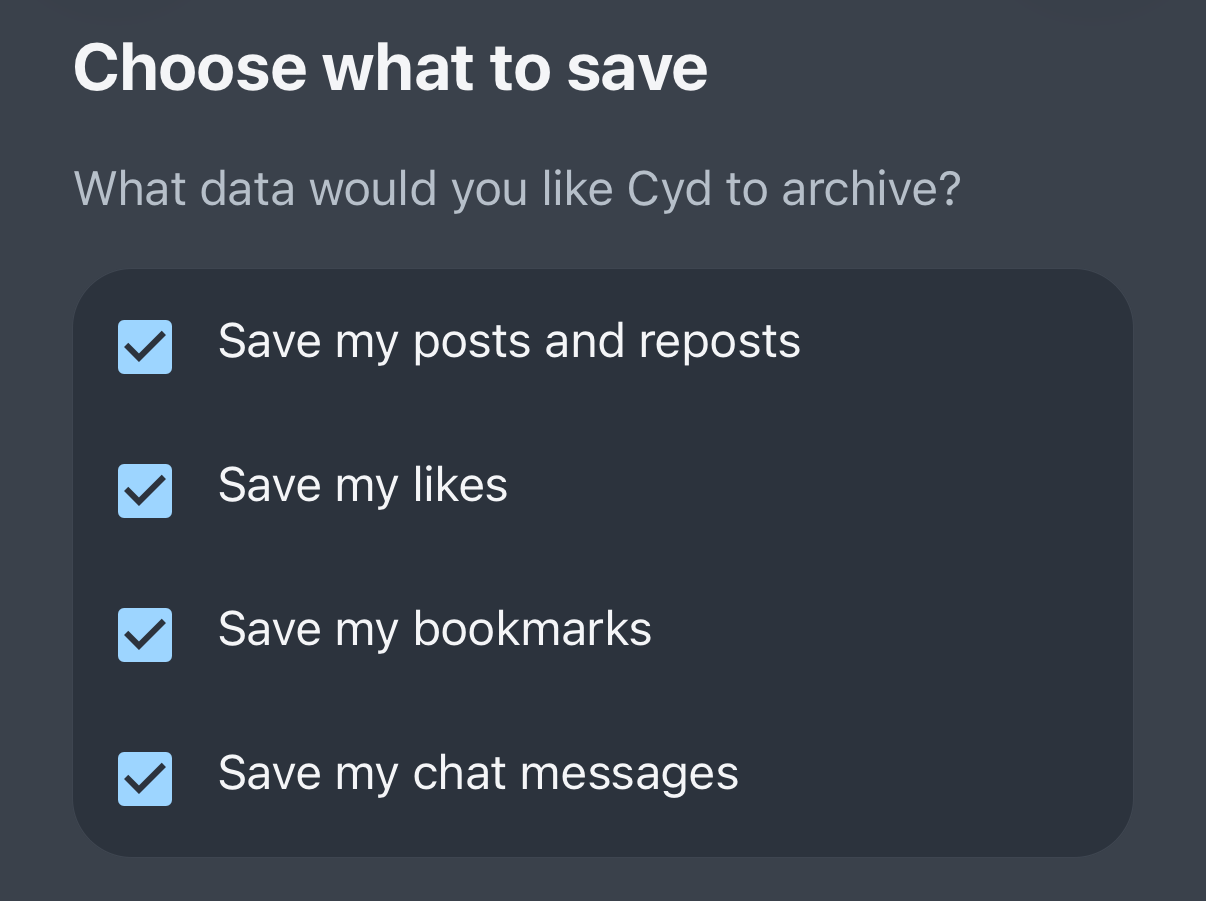
Before you can delete data, Cyd needs to save a local archive of it. Choose which times of data you'd like to save, and click Continue to Review:
Before Cyd starting saving your data, confirm that this is what you want. When you're ready, click Save My Data.
Cyd will immediately start downloading all of the data you chose to save, as quickly as the Bluesky API allows. You can watch as Cyd downloads each post.
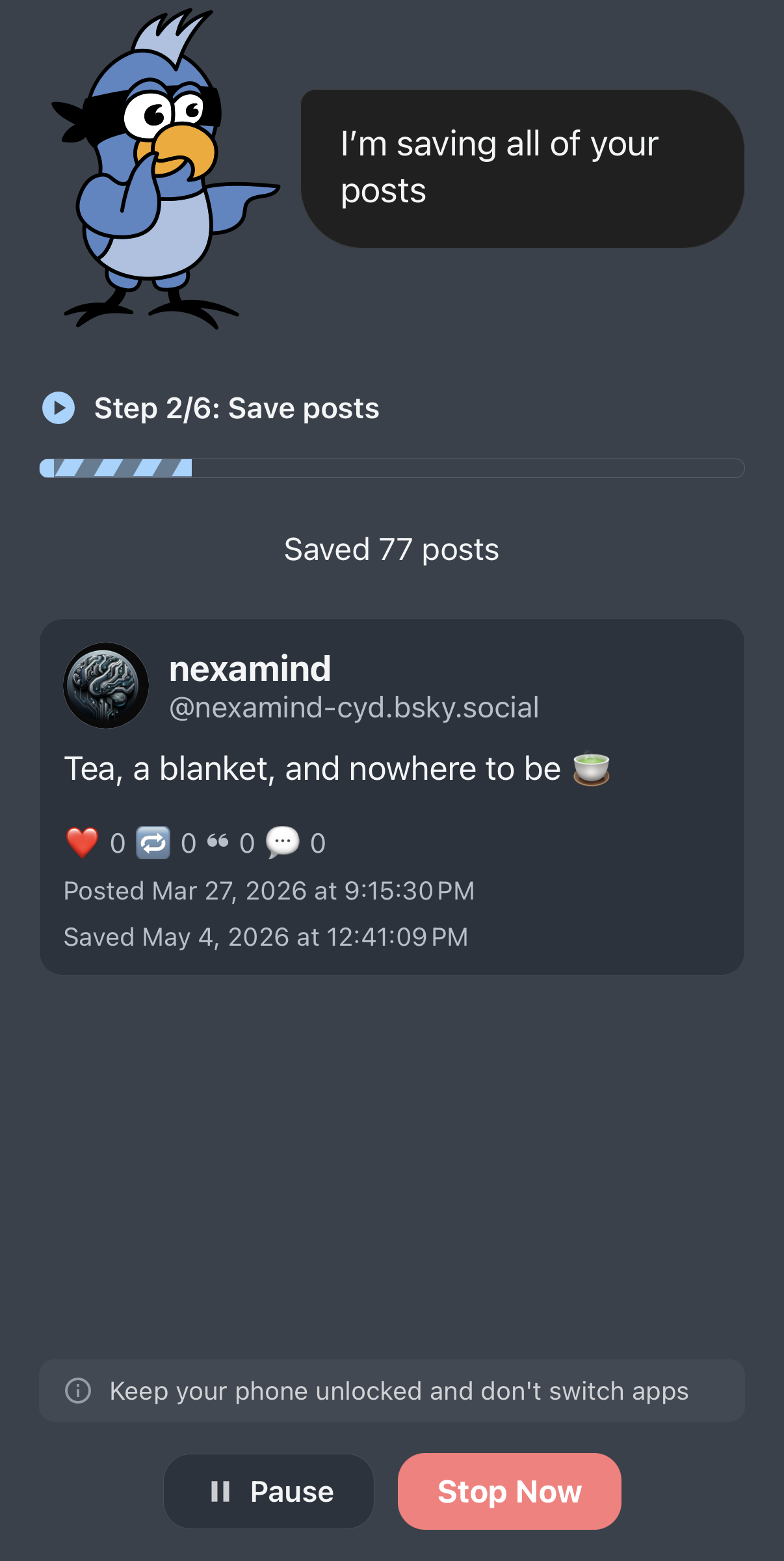
Keep the Cyd app open while automation is progress. Cyd cannot run in the background.
Clicking Pause will temporarily pause the automation, which you can later resume. Clicking Stop Now will stop the automation.
When Cyd is finished saving your data, it will show you a summary of what was saved:
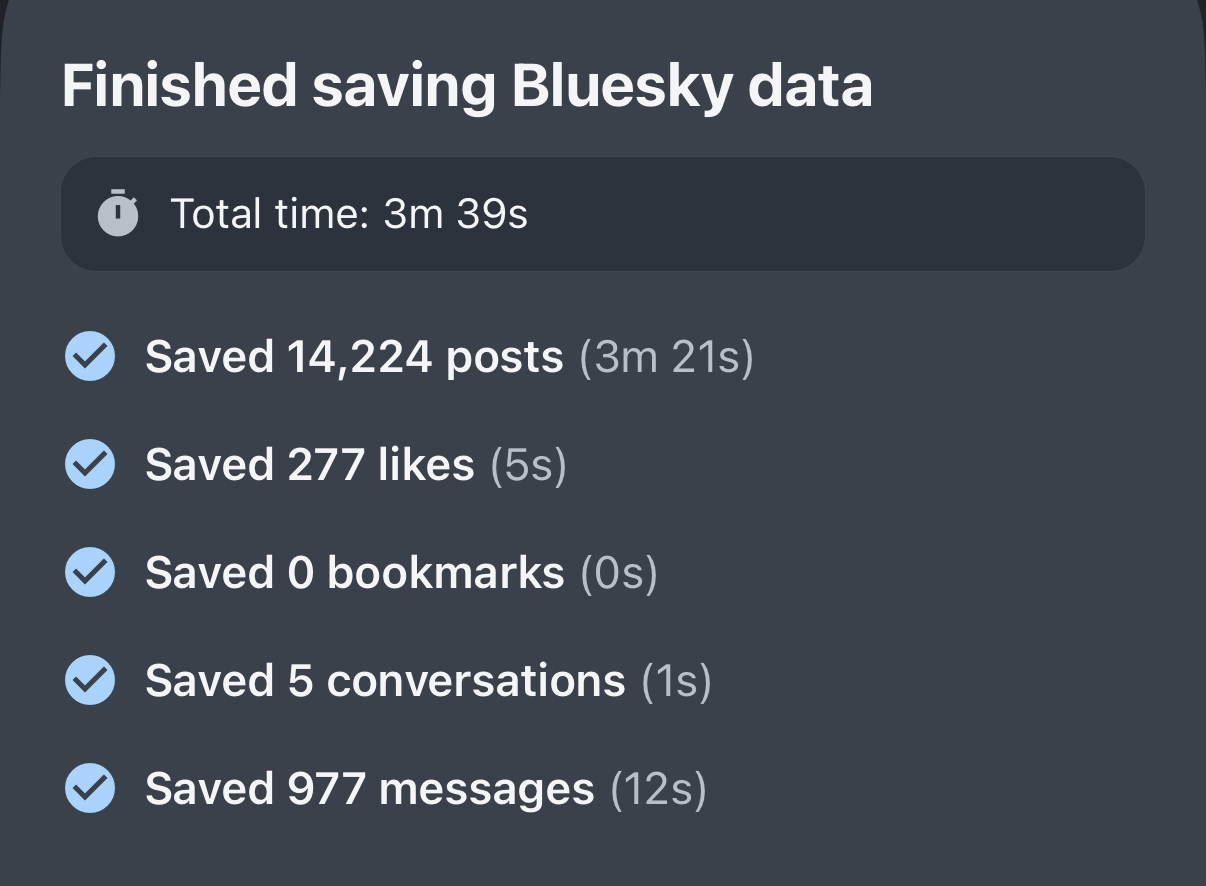
From this point, you can move on to delete your data, or you can browse the archive that you just created.